Setting it up
Never stare at the CA list wondering what to do again.
Get the plugin
In RuneLite, hit the wrench, scroll right to the bottom of the panel,
click Plugin Hub. Search ca roulette and install it.
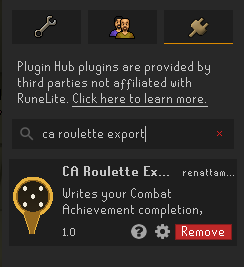
Make sure it's on
It should switch itself on. If the toggle is grey, click it.

Export your progress
Two small things before you export:
- Give it about 5 seconds once you're in the world.
- Open your bank once, then shut it. That's how it sees your gear.
Then click the new icon in the sidebar and hit Export my data.
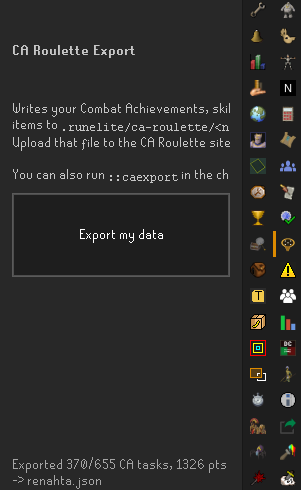
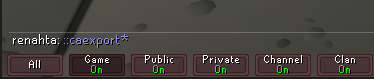
Can't be bothered finding the icon? Just type
::caexport in chat. Same thing.
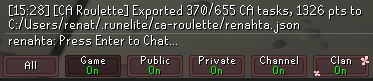
Either way you get a message telling you how many tasks it found and where it stuck the file.
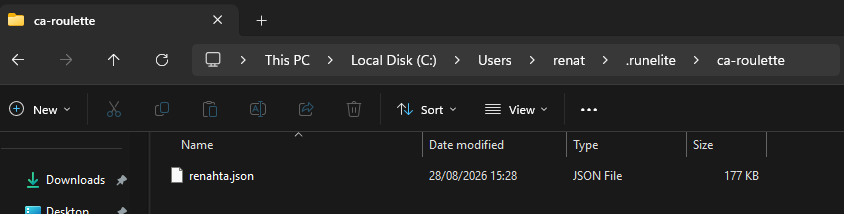
Go find that file
Open File Explorer, paste this in the address bar, press Enter:
%USERPROFILE%\.runelite\ca-roulette
It's in there, named after your account.
Drag it onto the site
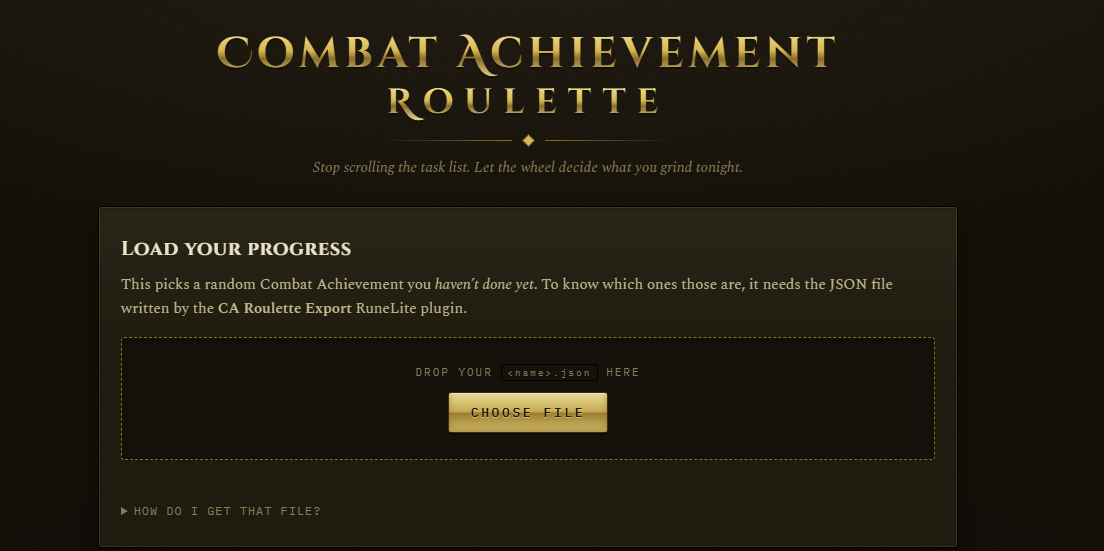
Back on the roulette, drag the file onto the dashed box. Or click Choose file if dragging is a faff.
Spin it
Your progress shows up at the top, then hit Spin and it throws you a random task you haven't done.
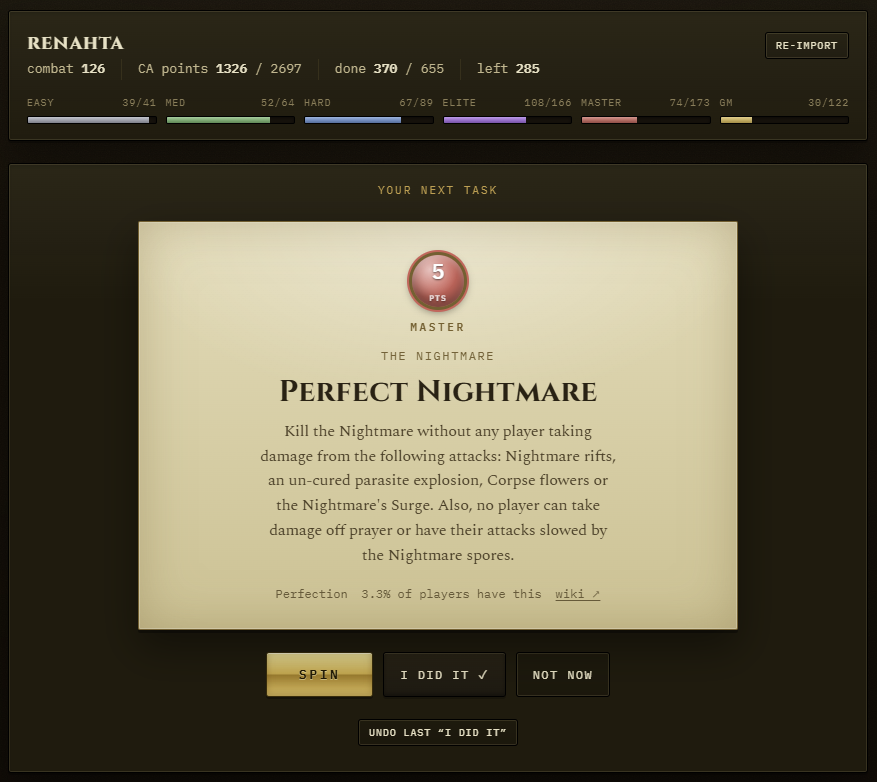
- I did it ticks it off and rolls you the next one.
- Not now skips it without ticking it off. Use this liberally when it hands you a Grandmaster speedrun.
- Ticked something by accident? There's an undo right underneath.
Stop it giving you nonsense
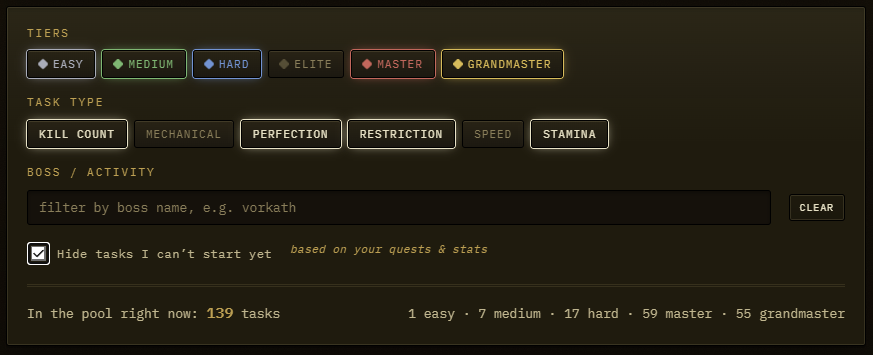
The filters at the bottom decide what it's allowed to roll. Click any of them to switch it off.
- Tiers and type - only want Hard and Elite? No speed tasks? Sorted.
- Boss - type a name and it'll only give you that one. Handy if you're already sat at a boss.
- Hide tasks I can't start yet - looks at your quests and stats and bins off anything you're locked out of.
Stuff you'll probably ask
- Do I have to keep doing the export bit?
- Only when you want it to catch up on tasks you've finished since. Run the export again, drag the new file over, done. It picks up where you left off.
- It says my bank is empty
- You didn't open your bank before exporting. Do that and export again.
- I typed ::caexport and nothing happened
- Make sure you're properly logged in, give it a few more seconds, try again. Worth checking the plugin is actually switched on too.
- Can we all use it?
- Yeah. Everyone installs the plugin and uploads their own file. Your progress is saved in your own browser so nobody's treading on anyone else's.
- Am I going to get banned for this?
- No. It's a normal plugin off the official RuneLite Plugin Hub, same as any other. It reads your data and writes a file, it doesn't touch the game.
- It rolled me something horrendous
- Hit Not now. Or turn off Grandmaster. Nobody's watching.